When Your Link Travels Without You: Making Bio Pages Forward-Proof
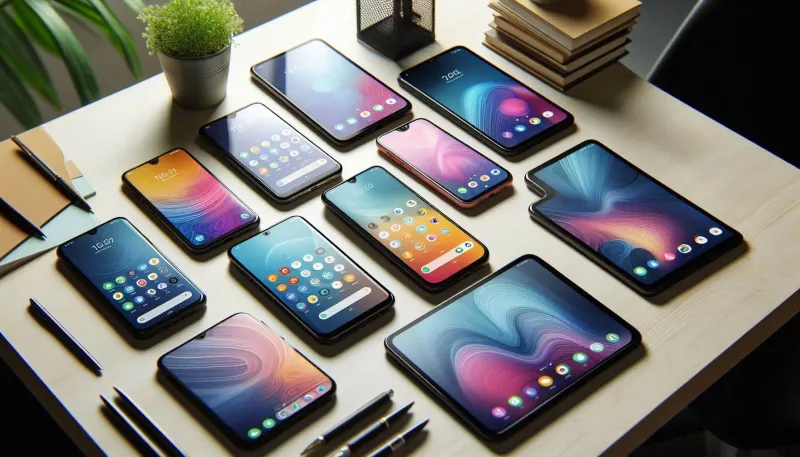
Photo: smartphone group chat link preview on screen close up, via basic-tutorials.de
You know the feeling. A friend drops your link into a group chat with three words — this is the one — and five people tap it before you ever see the notification. They are not coming from your profile. They do not know your handle, your inside jokes, or why your pinned post matters. They are meeting your bio page cold, in a tiny in-app browser, with one thumb and about four seconds of patience.
That is the group-chat handoff, and it is a different game from the first profile tap. In 2026, US creators spend plenty of time polishing the top of their profile. The smarter move is to build for the secondhand share too.
The Forward Is a Different Front Door
Your profile visitors have context. They clicked your name because they saw a video, read a comment, or heard about you from someone else. A forwarded link has none of that. It shows up between a dinner plan and a meme, often with no explanation beyond a friend saying check this out.
So your bio page has to answer three questions before the stranger scrolls: What is this? Who is behind it? What should I tap? If the top of the page assumes the reader already knows you, the forward dies right there.
Your Link Preview Is the First Bio Page
Before anyone sees your layout, they see a preview card. In iMessage, WhatsApp, Instagram DMs, and group texts, that card is doing the work your profile photo usually does. If your page title is Home or a 90-character sentence, the preview gets clipped into nonsense. If the description is blank, the card looks broken.
Treat the preview like a tiny billboard. Keep the page title under about 60 characters and make it say what the page is. A description like Budget home gadgets, tested weekly is more useful than welcome to my little corner of the internet. Use a preview image that still reads at thumbnail size — a clean product shot or a simple text-forward graphic beats a busy screenshot every time. The standard 1200x630 image size is still the safe bet, and it should look fine when cropped square.
Speed Matters More When You Are a Stranger
A fan might wait for your page to load. A stranger in a group chat will not. In-app browsers are not generous, especially on cellular connections or store Wi-Fi that is doing its best. If your first screen is a heavy video, a carousel of uncompressed images, or a pop-up asking for an email before anything loads, you are losing the secondhand click before it becomes a visit.
Compress images, lazy-load anything below the first screen, and skip autoplay video at the top. Test the page on a phone with the network throttled. A useful target is showing the first real link before the three-second mark. That is not just a technical nicety; it is the difference between a recipient seeing your shop link and bouncing back to the chat.
Write the Top of the Page for Someone Who Has No Idea Who You Are
The first screen should work like a handshake. One line of identity, one line of context, then the links. Something like: I test budget home gadgets and share the ones that survive a small apartment. That sentence does more for a forwarded visitor than a paragraph of personality.
Keep link labels descriptive. Shop the fall capsule beats Shop. Watch the 10-minute review beats Watch. If you have a newsletter, say what lands in someone's inbox and how often. If you sell a digital guide, name the problem it solves. The reader did not come from your profile, so do not make them reverse-engineer your business from a list of vague buttons.
Measure the Clicks You Never See
The secondhand visit is easy to miss in analytics if you only look at direct traffic. Use UTM parameters on the links you share in DMs, group chats, and text threads. Make a few campaign links for the places you actually share — one for creator group chats, one for customer questions, one for press or partner sends — so you can tell which conversations turn into clicks.
Some in-app browsers strip referrer data, so do not rely on referral sources alone. Pair UTMs with page-level events: link taps, scroll depth, and outbound clicks. If your bio page has a share button, make sure it copies a clean tracked URL rather than a messy one with leftover parameters. On InstaBio, the goal is one link that works everywhere, but the measurement still needs to be intentional.
Make Sharing Feel Like a Feature
A forward-friendly page is easy to pass along. Keep the URL short enough to paste without fear. Add a copy-link or share button near the top for people who want to send it on. If you use QR codes at events, point them at the same page and give that code its own tracking parameter.
Then test the actual handoff. Send your bio link to a friend in iMessage and ask them what they think you do. Paste it into a group chat and watch the preview load. Open it in the in-app browser from Instagram and WhatsApp. The gaps you find are usually small — a clipped title, a slow hero image, a vague first button — and fixing them makes every future forward a little more likely to land.