When the Assistant Does the Introductions: A Machine-Readable Bio Page Checklist
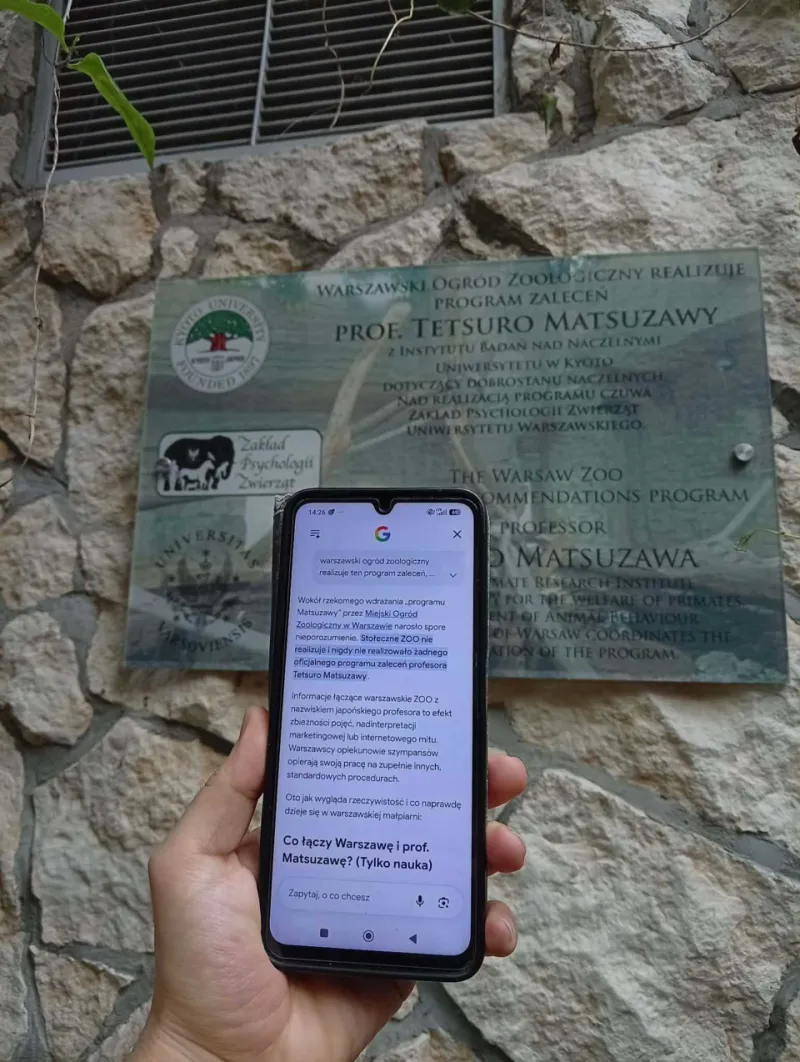
Photo: Gknor, CC0, via Wikimedia Commons
Your bio page has a new visitor, and it does not have thumbs. It is an AI assistant, an answer engine, or some summarization layer sitting between you and a curious person who just asked, 'Who is this creator, and what do they actually offer?' That visitor is not impressed by a clever handle. It cannot squint at a background image. It wants plain text, clear labels, and a page structure it can parse without guessing.
This is not a sci-fi problem. In 2026, US users routinely ask assistants for recommendations, background checks, and quick summaries before they buy, subscribe, or follow. If your bio page is a pile of cryptic buttons, the assistant may describe you badly, skip you entirely, or flatten your offer into something generic. The fix is less about chasing bots and more about writing a page that survives being read aloud.
The assistant is not your audience, but it is your greeter
Think of an AI assistant as a very literal receptionist. It does not know that your favorite emoji means 'book a call.' It does not understand that your third link is the real shop and the first two are old projects. It reads what is there, summarizes what it can, and moves on.
That means your bio page needs two jobs done at once. It still has to feel human and on-brand to the person who lands there. But it also needs a clean machine-readable layer: a clear name, a plain description, descriptive link labels, and content that lives in text rather than inside graphics or widgets.
At InstaBio, the whole point is one link and every click working harder. A machine-readable page is not a separate version of your bio. It is the same page with fewer ambiguities.
Start with the name tag, not the nickname
Assistants need to connect a page to a person or brand. If your page only says 'Jules' and your handle is @julesmakes, an assistant may not know whether Jules is a photographer, a fitness coach, or a local bakery. Put your full professional name or brand name near the top in actual text. Then add the handle and the category in one plain sentence.
A useful pattern is: 'Jules Rivera is a portrait photographer in Austin, Texas, specializing in headshots for small-business owners.' That sentence does a lot of work. It names the person, the city, the service, and the audience. It is also easy to read aloud without sounding like a keyword dump.
Avoid making the name an image or part of a logo-only header. If the only readable text on your page is 'Links,' the assistant is starting from zero.
Write the one-sentence handoff
Every bio page should have a short, plain-text description that could be lifted into a summary without losing the point. This is not your most poetic caption. It is the handoff line: who you help, what you make, and what someone should do next.
Try: 'I help independent US creators turn profile visitors into email subscribers with simple landing pages and weekly audits.' That is specific enough for an assistant to summarize and human enough for a visitor to understand. Put it near the top, before the link stack. If your page opens with a quote, a countdown, and a carousel, the assistant has to work too hard to find the actual description.
Give links names, not vibes
Link labels are where many bio pages fall apart. 'Shop,' 'Read,' and 'More' are not terrible, but they are not enough when several links compete. 'Here' is useless. 'The good stuff' is charming but unreadable to a machine.
Use labels that describe the destination and the action. 'Book a headshot session,' 'Join the weekly newsletter,' and 'Download the 2026 rate card' are clear to humans and assistants alike. If you have multiple offers, add a short line under each link. That extra line is prime real estate for the summary layer.
Structured links also help. Keep your most important links in a logical order, group related ones under small headings, and avoid burying your main conversion behind a 'socials' section. The assistant may only surface the first few items it can understand.
Keep the important copy in actual text
A beautiful bio page can still be unreadable if the key details live in images, videos, or embed-only widgets. An assistant may not extract text from a promo graphic. It may not click through a custom carousel. It may not wait for a JavaScript widget to finish loading.
Put your name, description, location if relevant, primary offer, and contact or booking path in plain text. Use real headings for sections. Write alt text for meaningful images, but do not use alt text as a substitute for visible copy. If a sentence matters to a human, it should matter enough to appear as text.
Run the five-minute read-aloud test
Here is a practical audit you can do today. Open your bio page on a phone and read it aloud exactly as written, from top to bottom. Then ask yourself: if someone only heard this, would they know who I am, what I sell, and where to tap?
Next, copy the visible text into a blank document and remove the design. Does it still make sense? Are the links labeled clearly without the surrounding buttons? Is there a single sentence that could serve as your summary? If the answer is no, the assistant will struggle too.
Finally, check for duplicates and dead ends. Multiple handles, old service names, and links to retired offers create confusion. A machine-readable page is a maintained page, not a museum of every project since 2019.
Mistakes that turn your page into a link pile
The biggest mistake is treating the bio page as a directory instead of an introduction. Too many links with vague labels force both humans and assistants to guess. Another mistake is hiding the real description in a highlight reel or an image. A third is using inside jokes as navigation. 'The usual' may be funny to your longtime followers, but it tells a new visitor nothing.
Also watch for copy that is all attitude and no nouns. Personality is good. Specificity is better. An assistant can summarize 'I make things for people' into a sentence that helps no one. Give it the nouns: the service, the city, the audience, the next step.
The bottom line
Designing for AI assistants does not mean writing for robots. It means removing the fog. Clear names, plain descriptions, descriptive link labels, real text, and a logical structure make your bio page easier to summarize, easier to read aloud, and easier for a human to act on. In 2026, the assistant may be the one doing the introductions. Make sure it has something accurate to say.